How to create an ERC-20 token.
Learn how to create an ERC-20 token on Ethereum and supported EVM networks. Choose a template, set supply and permissions, and understand gas costs.
Before you start
- A wallet connected to your chosen live EVM network, with its native coin for the service fee and gas.
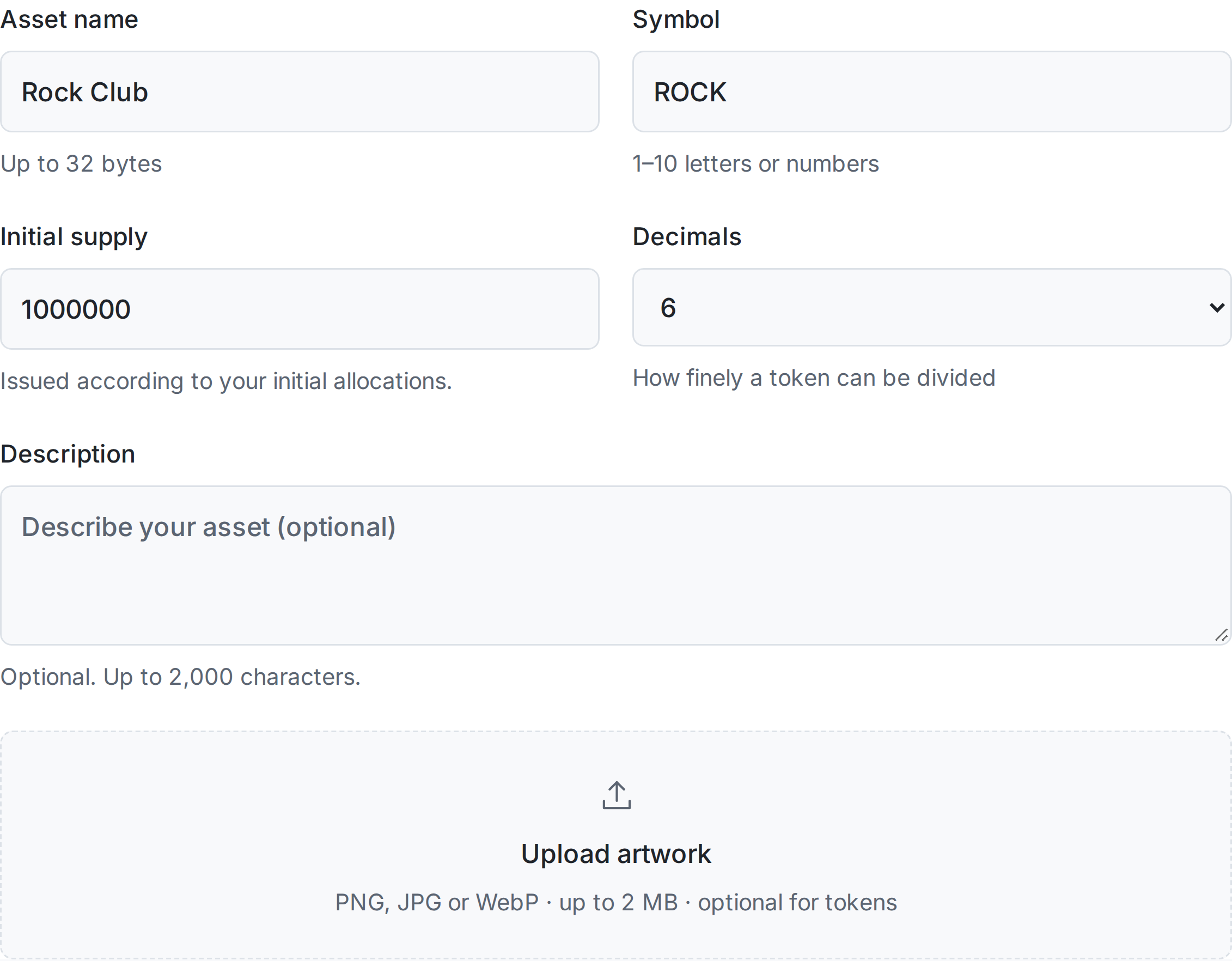
- The token name, symbol, supply, decimals and initial recipient.
- Choose a preset and review every minting, tax, limit or owner permission it retains.
Choose an EVM network
Choose a live EVM network from the menu or homepage. Each network has its own factory deployment, native coin and transaction costs. A token created on one network does not automatically exist on another.
A straightforward token template
The basic ERC-20 template has fixed supply, holder burning and no administrator powers. Advanced templates, where activated, let you configure the supply recipient, minting and cap, burning, pause, blocklist and administrator. Taxable tokens add a disclosed transfer fee, permanent maximum rate, recipient and exemptions. Review each enabled permission before approving.
Atomic creation and payment
The factory checks the exact native-currency service fee, deploys the token, and forwards the fee to the configured treasury. If deployment or the service payment fails, the entire call reverts. A rejected or reverted transaction can still cost network gas.
Review your transaction
Check the chain, token name, symbol, decimals, supply, service fee and recipient. The factory verifies a signed quote bound to your wallet, asset details, exact native-coin fee, recipient, network and three-minute expiry. A changed treasury or quote signer invalidates older EVM quotes.
After deployment
RockTheCoin checks the receipt, input data, factory event and chain finality. The resulting address can be opened in the chain explorer. Token creation does not provide liquidity or a trading venue.
Choose capabilities at creation
A fixed-supply token does not need a minting administrator. If you need taxes or a mint cap, choose a compatible preset and review the permanent ceilings before approving.
Common problems
My wallet is on another network.
Switch the connected wallet to the creator page’s network before approving. The same address on another EVM chain does not mean the token exists there.
The transaction is still being verified.
Keep the original transaction hash and retry verification while the network reaches finality. Check wallet activity before starting another creation.
Ready for the next step?
Open the matching tool and review your settings before approving.